

Set up your account
Sign up for an online account and make it easier to use your health plan.
Once you’re set up, you can:
- Find a doctor
- Ask for a new primary care physician (PCP)
- Chat live with customer service
- Choose how we contact you
- Download or order your Member ID cards


Accessing and Sharing Your Account
If you find yourself needing to view someone else's plan details or share yours with someone else, you can find out how here.
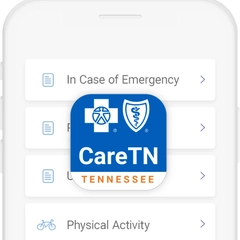
Tell us about your health needs
To help us understand the care that’s right for you, please tell us about your health history and needs. We ask our members to update their info once a year. You can tell us:
- Digitally through our free CareTN app.
- By phone. Just give us a call at 1-888-416-3025.
Once we know more about you, we’ll connect you with the services you need and help you take steps to improve your health. You’ll get one-on-one, personalized support with access to chat directly with your care team.
Download the CareTN app:
In the app, use access code: bctmeethistory (16 and older)
bctmeetpediatric (15 and younger)
Have your member ID number handy.
Use el código de acceso: bctmeethistory (16 y mayores)
bctmeetpediatric (15 y menos)
Mantenga su tarjeta de identificación de miembro a la mano.





![[object Object]](https://content.bcbst.com/api/public/content/transportation-cy.svg?v=071d1b8d)
![[object Object]](https://content.bcbst.com/api/public/content/prescription-drugs-cy.svg?v=e04b50ae)
![[object Object]](https://content.bcbst.com/api/public/content/wellness-cy.svg?v=13b519ad)